MagicMenu
Our approach
Who it's for
  • Senior living
  • Skilled nursing
  • Camps & retreats
  • Distributors & partners
TechnologyEconomics
Sign inStart a conversationTalk to us
MagicMenu
  • Our approach
  • Who it's for
    • Senior living
    • Skilled nursing
    • Camps & retreats
    • Distributors & partners
  • Technology
  • Economics
  • Our story
  • Investors
Sign in
Start a conversation

Our approach

Hands-on partnership.
AI-powered technology.

We build the plan with your team—and give you the tools to keep it working.

A working design partnership

We work alongside your team to adapt your menu, simplify preparation and measure the results.

+

Your AI-powered kitchen toolkit

Connected tools for dietary needs, menus, purchasing, production and service—with your team in control.

Explore a design partnership →

Built around your kitchen. Supported meal after meal.

  1. 1Understand your people & kitchen
  2. 2Make your menu work for everyone
  3. 3Put the plan into practice
01

Understand your people & kitchen

Step 1 technologies →

First, we listen.

Together, we review dietary needs, menus, supplier invoices, and how your kitchen works. Together, we build a clear picture of how your kitchen feeds people today.

Your peopleDietary needs and how you collect them.

Bring allergies, intolerances, clinical needs, textures and preferences into one intake process. We work through who provides the information, who reviews it, and how it reaches the kitchen.

Integrations. We can import the necessary data from CampBrain, other camp registration platforms and EHR systems, using authorized exports in the formats each system supports. We confirm access and the fields needed with your team. Longer term, direct API integrations will save steps and reduce manual-entry errors.

HIPAA-compliant data handling. We handle protected health information in accordance with HIPAA across our workflows. We can set up a business associate agreement (BAA) with your organization before exchanging protected health information, and do so wherever one is required.

Or send a MagicLink. Guests at camps, retreats and group stays can receive a direct intake link under your policy.

Try guest intake. Interactive demonstration — use example information; nothing is sent.

Open the form in a full window ↗
Your menuThe chef’s intent, products and costs.

Start with your menu, recipes if you have them, and recent supplier invoices. We look at what you buy, pack sizes, prices and your budget.

No recipe binder? Menus and purchasing records can help us reconstruct a starting recipe for your chef to confirm.
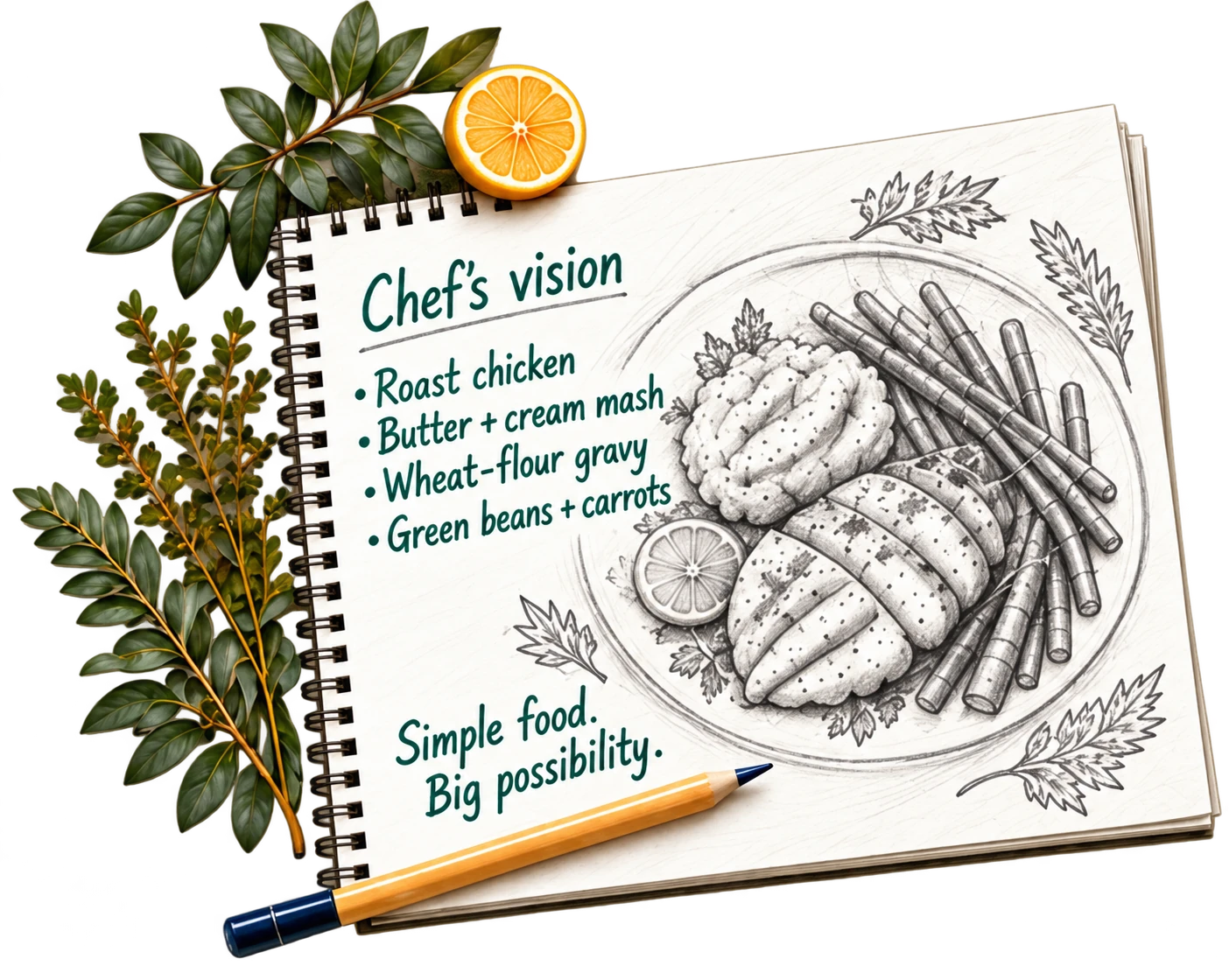
Illustrative concept: A chef's notebook open to a handwritten menu — roast chicken, butter and cream mash, wheat-flour gravy, green beans and carrots — with a pencil and a sprig of herbs.
Your operationService, equipment, staffing, storage, inventory systems, cost targets, distributors and preferred retail stores.

We identify the practical constraints the plan needs to respect, and agree how purchasing, inventory and service connect.
A chef reviews a menu with a colleague wearing a MagicMenu apron while reviewing menu paperwork.
Illustrative kitchen conversation

What dietary needs do you want to accommodate?

FDA allergens9
Intolerances6
Clinical conditions13
Texture (IDDSI)6
Lifestyle11

?What it is

How kitchens accommodate it

Educational information, not medical advice. Your chef and your dietitian decide what is served.

0 of 45 selected

Bring my needs to the conversation →

Illustrative explorer.1

Step 1: Artifacts & examples.

Invoice digitization↗

Guest intake

The policy step of the guest form: the operator's own foodservice policy, and the box the guest ticks to say they have read it.

Guest intake · real product output · Running today

Groups & meal counts

A roster of ten guests with their dietary chips — nut allergy, gluten-free, dairy-free, vegetarian — and the status of each form.

Groups & meal counts · real product output · Running today

Recipe capture

The recipe-ingestion screen: paste text, drop a PDF or a document, or photograph a recipe card.

Recipe capture · real product output · Running today

Inventory

The inventory view: six zoned and labeled walk-in photographs with the zone chips above them.

Inventory · real product output · Running today

02

Make your menu work for everyone

Step 2 technologies →

The technology, working for your kitchen.

One menu, followed from recipe to plate. See how we adapt the dishes, reduce separate preparations and connect every ingredient to a product record.

Illustrative worked example · Proposed recipes and product candidates for your team to review.

Step 2: Artifacts & examples.

Recipe adaptations

The recipe screen for a beef stew with its allergen band and the button that adapts it to the group.

Recipe adaptations · real product output · Running today

Menu configurator

The menu configurator: the baseline week, breakfast to dinner, with seasonal and special menus layered on.

Menu configurator · real product output · Running today

Meal planner

The weekly meal planner with the shopping list and purchase order that follow from it.

Meal planner · real product output · Running today

03

Put the plan into practice

Step 3 technologies →

We work with your crew on purchasing, production and service — making the approved plan repeatable, all the way to the plate. Your team keeps using MagicMenu’s technology to update approved recipes, connect supplier products, plan purchasing and production, and carry clear instructions through to service. After we validate the savings together, ongoing use has a small monthly software fee, with transaction-based fees only on agreed value events.
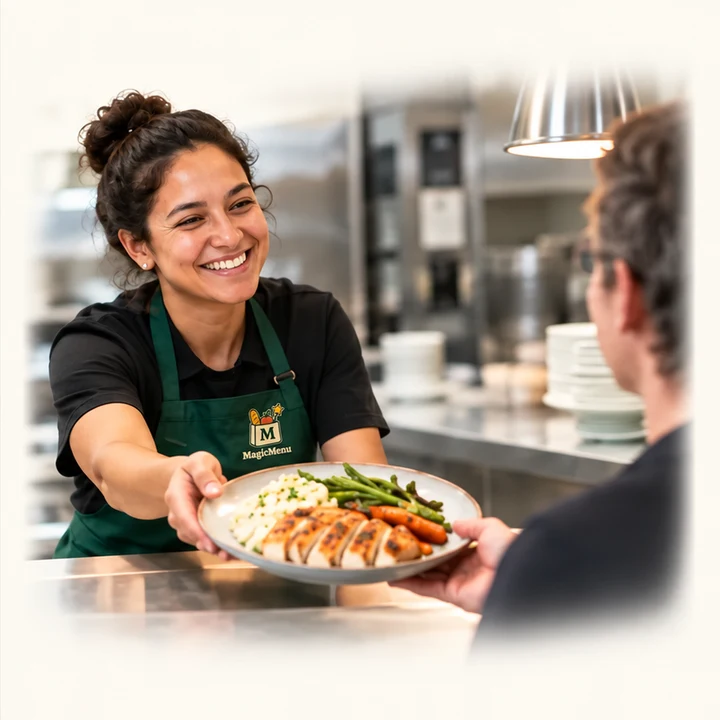
Illustrative concept: A smiling team member serves a prepared meal to a guest.
Buying & inventoryConnect the plan to what arrives.

Turn meal counts into quantities, purchase orders and pull lists. Assess how to connect inventory and supplier ordering, including automated purchasing where supported.
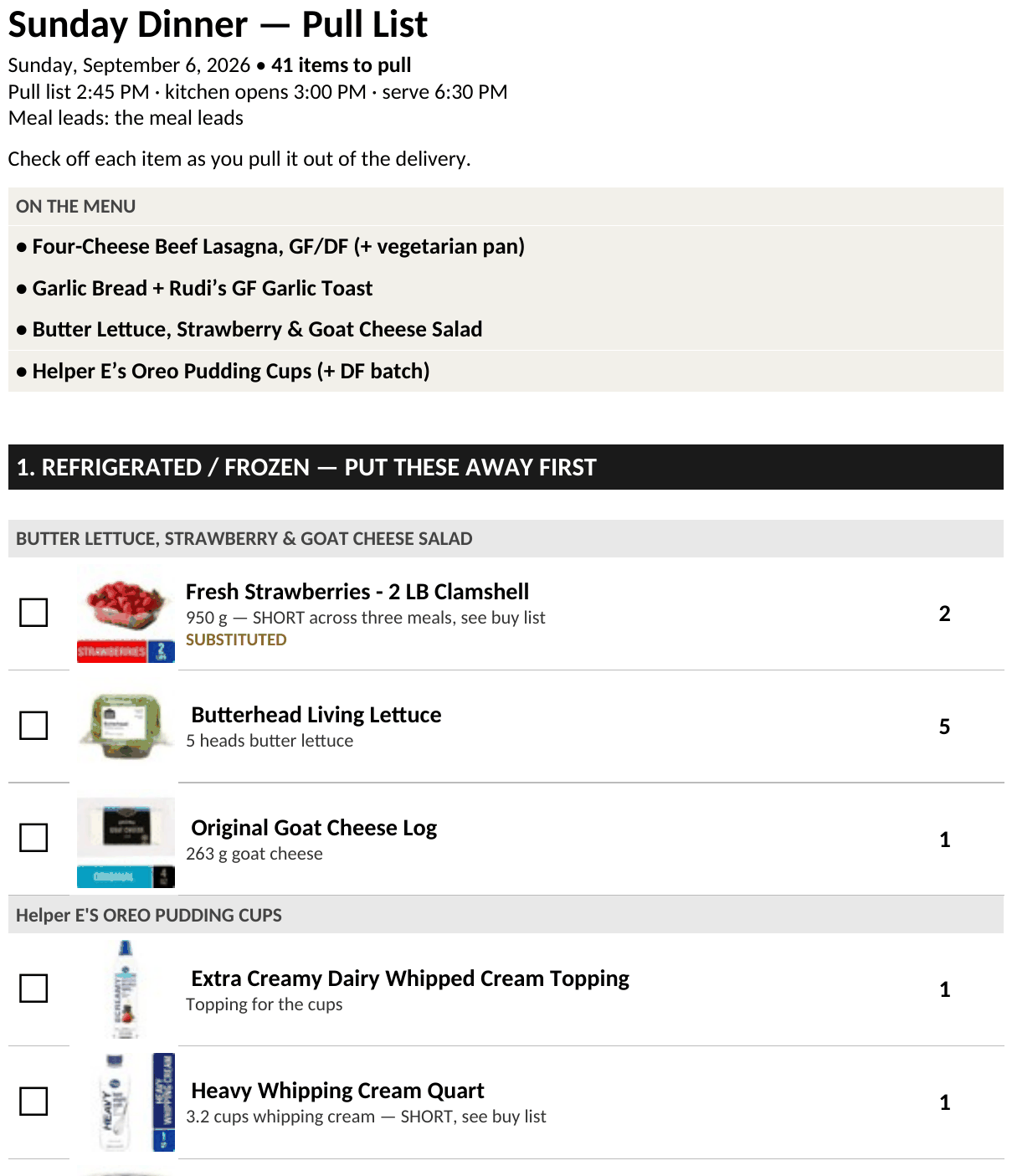
A pull list for a Sunday dinner: items in delivery order with product photos and quantities, one of them flagged as substituted.
Preparation & productionClear tasks, timing and separation.

Map batches and handoffs to your equipment and crew. Agree the procedures for shared prep, separation, clean-down and cross-contact controls.

At Annunciation Heights, the work included purchase orders, production sheets and a timed plan for a chef and small crew. The accommodated line ran beside the main line.
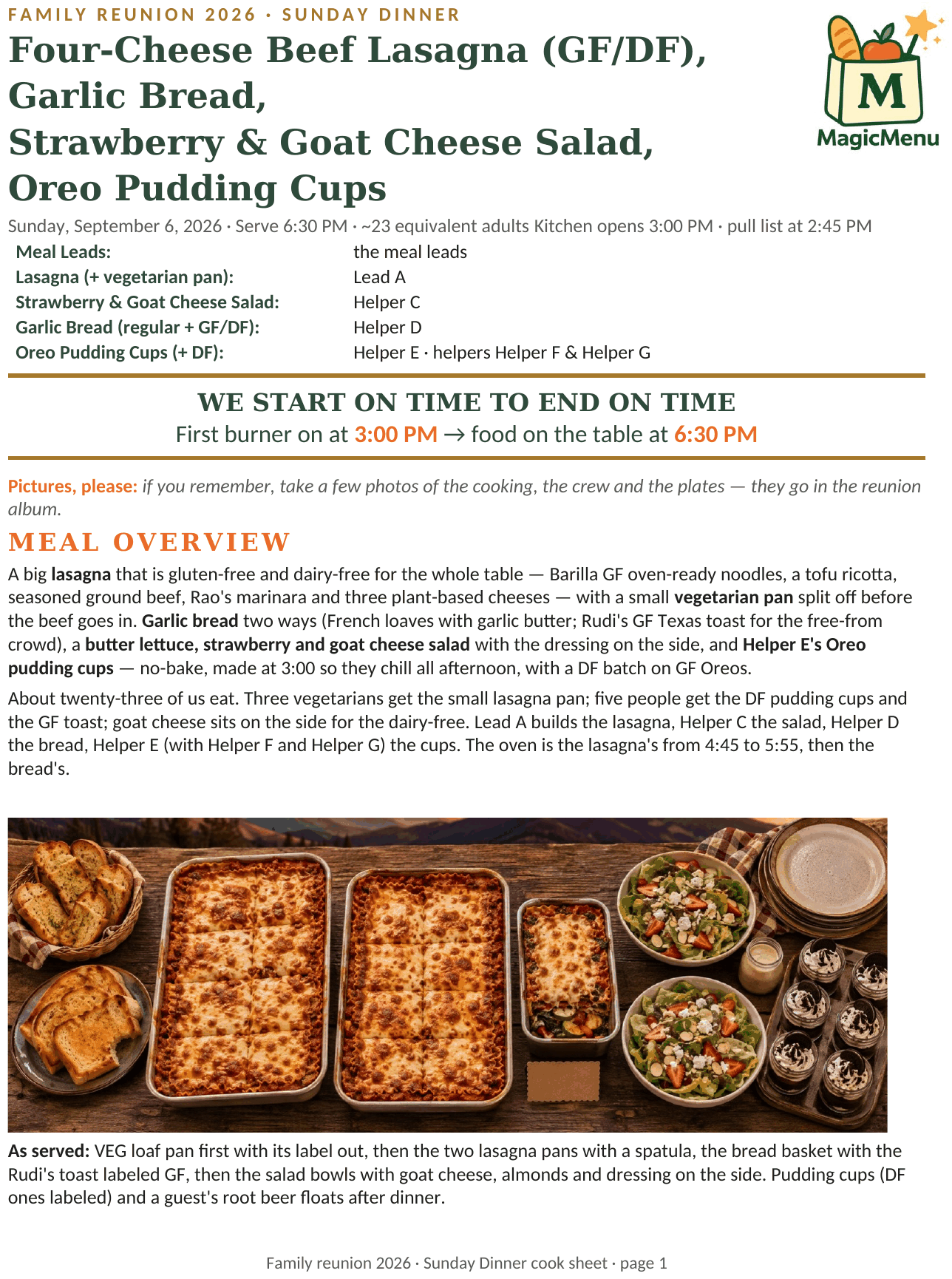
Page one of a cook sheet: the meal, who leads each dish, the key times, and the overview.
Service to the plateThe right instructions at each station.

Set up plating or buffet service with clear meal-specific cards and handoff checks. Reconfigure the station information when the approved menu changes.

A buffet with equal-length main and accommodated serving runs, shared sides, beverages and separate dish return. Main-line diners visit M-1 through M-3; accommodated diners visit A-1 through A-3 along a bench spanning the same total width. Both continue to shared sides and beverages before seating. Dots show food pickup points. A-1A-2A-3S-3S-2S-1B-1 M-1M-2M-3S-3S-2S-1B-1 SEATINGENTRANCEMAIN LINEM-1MAIN LINEM-2ACCOMMODATED BENCHA-1 to A-3MAIN LINEM-3DISH RETURND-1SHARED BARS-1 to S-3BEVERAGESB-1
  • Main line M-1
  • Main line M-2
  • Main line M-3
  • Accommodated bench A-1 to A-3
  • Shared bar S-1 to S-3
Two equal-length serving runs, followed by shared sides and beverages. Dedicated utensils and the planned cross-contact controls apply at each station.

In design E-ink station labels are a design concept; printed service cards are the operating example.

Step 3: Artifacts & examples.

Pull list

A pull list for a Sunday dinner: items in delivery order with product photos and quantities, one of them flagged as substituted.

Pull list · real product output · Running today

Cook sheet

Page one of a cook sheet: the meal, who leads each dish, the key times, and the overview.

Cook sheet · real product output · Running today

Production flow

A dinner's production flow in three lanes — the main line, the shared work in the middle, the accommodated line — with the points where they must separate marked.

Production flow · real product output · Running today

Printed service cards

Printed service cards for a meal, one per pan.

Printed service cards · real product output · Running today

E-ink buffet label · In design — In design

Illustrative concept: A 42-inch buffet label for the accommodated line: the dish, its station code, and what it contains.
Concept illustration — not a photograph.

Illustrative concept · In design

“MagicMenu will help cooks from making mistakes.”
— Chef Spencer HardenExecutive Chef, 30+ years, Marriott · culinary consultant to MagicMenu

Let’s build your approach together.

Bring your menu, your questions and the people who make service happen.

Start a conversation
MagicMenu

Complex needs.
Simpler kitchens.

dusty@magicmenu.ai

Explore

  • Our approach
  • Who it's for
  • Examples
  • Technology
  • Sources

Your setting

  • Camps & retreats
  • Senior living
  • Skilled nursing
  • Distributors & partners
  • Reunions & group trips

More

  • Our story & team
  • Savings
  • Investors
  • Press
  • Contact

MagicMenu provides operational and informational support, not clinical, medical, or nutritional advice. Allergen-screened menus are built from ingredient screens against currently available product data; unknown data never passes a plate. They are subject to verification, and to the operator's own cross-contact controls, which reduce but cannot eliminate risk. Final ingredient, service, and guest-safety decisions rest with the operator. Guest information is handled under written agreements and appropriate privacy safeguards.

Illustrative people, food and kitchen images are concepts. Actual photographs and product outputs are identified in their captions.

Schedule a conversation

© 2026 MagicMenu, Inc. · Denver, ColoradoPrivacyTerms